Facebook Business Manager Not Verified? Common Problems & Solutions

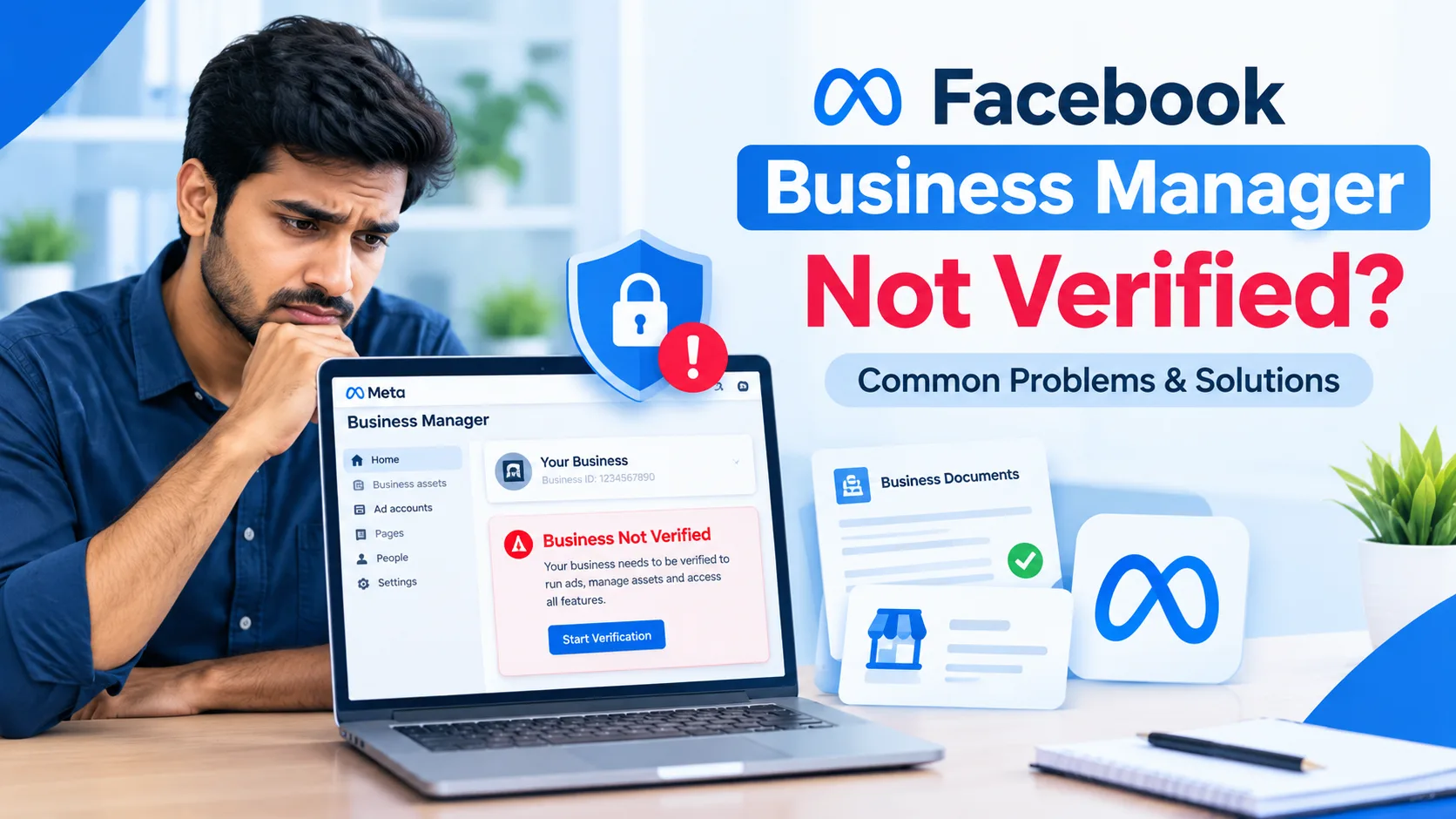
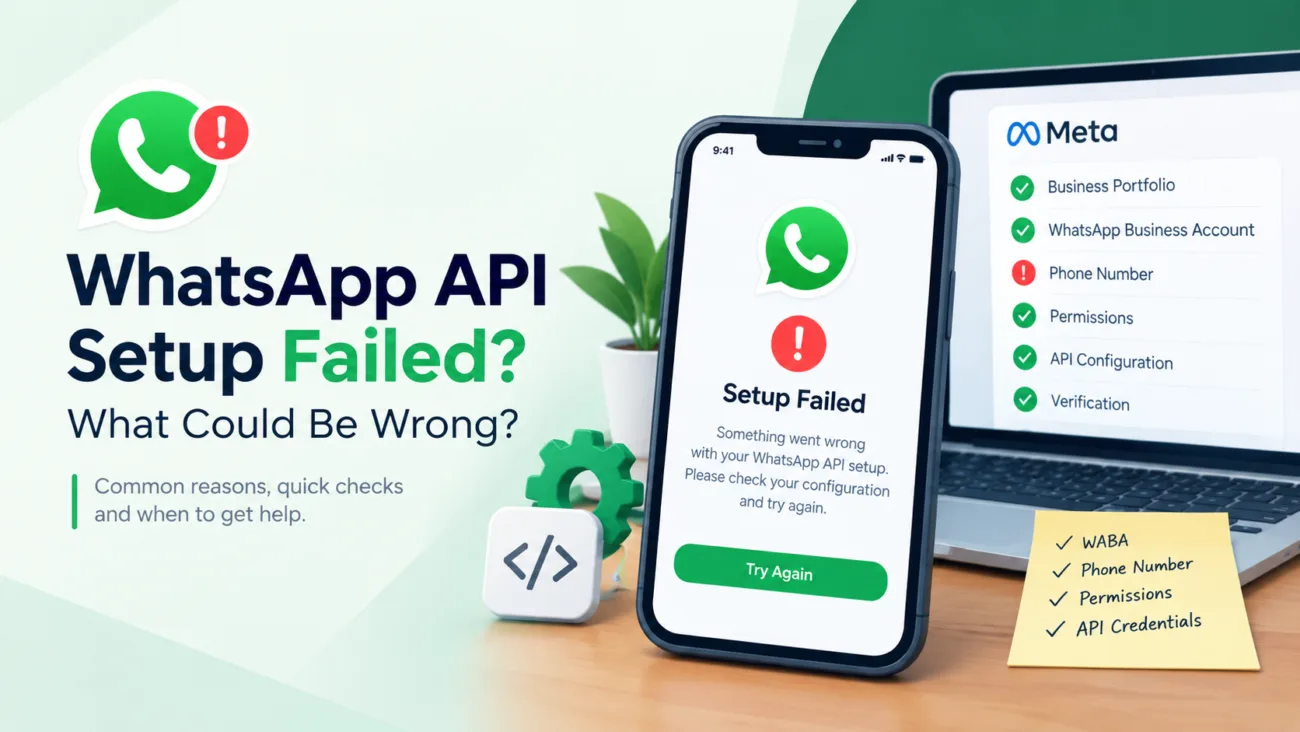
If your Facebook Business Manager is not verified, you may have difficulty accessing certain business features, advertising tools, or integrations. Verification can also become important when your business needs additional Meta or WhatsApp-related capabilities.
However, an unverified Business Manager does not always mean something is wrong with your account. Verification eligibility, business information, account permissions, documents, and Meta’s review process can all affect the outcome.
For businesses already running Facebook advertising or planning to use WhatsApp API, WABA, or multiple ad accounts, understanding the difference between an unverified and verified Business Manager is especially important.
If you are considering a Verified BM, you should also understand what you are actually buying, which features you need, and what limitations may still apply.
In this guide, we’ll explain the most common Facebook Business Manager verification problems, practical troubleshooting steps, and how to evaluate Verified BM options for advertising and WhatsApp-related requirements.
What Is Facebook Business Manager Verification?
Facebook Business Manager, now commonly associated with Meta’s business management environment, allows businesses to organize and manage assets such as:
- Facebook Pages
- Facebook Ad Accounts
- Business assets
- Advertising activities
- Apps and integrations
- WhatsApp-related business assets
Business verification is different from simply creating a Business Manager.
A business can have a Business Manager without completing business verification. Verification may become relevant when Meta requires additional confirmation of business information for specific features or activities.
The exact requirements can vary depending on the product, account, business type, and Meta’s current review process.
That means Facebook Business Manager verification is not the same as getting a verified badge, and it should not be confused with Meta Verified subscriptions.
Why Is My Facebook Business Manager Not Verified?
Several issues can prevent or delay verification.
The most common problems include:
- Business information does not match.
- Required documents are unavailable or inconsistent.
- The business website does not clearly represent the company.
- The person submitting verification does not have appropriate permissions.
- Meta cannot confirm the business information.
- The verification process is still under review.
- The requested feature does not require the type of verification you expected.
Before looking for another solution, identify which problem applies to your Business Manager.
1. Your Business Information Does Not Match
One of the most common verification problems is inconsistent business information.
For example, your:
- Legal business name
- Business address
- Website
- Registration information
- Supporting documents
should provide a consistent picture of the business.
If your Business Manager uses one business name while your documentation shows another, additional review may be required.
What should you check?
Review your business information carefully before submitting verification.
Check:
- Legal business name
- Address
- Website URL
- Business category
- Contact information
- Supporting documentation
Avoid submitting information simply to make the account appear eligible.
The safest approach is to provide accurate information that represents the actual business.
2. Your Documents May Not Be Suitable
Business verification may require documentation that supports your business information.
Depending on the verification process, Meta may request information or documents related to the business.
Common problems include:
- Expired documents
- Incorrect business name
- Different address
- Unclear document images
- Incomplete information
- Documents that do not support the submitted business details
If your documentation does not match the information in your Business Manager, verification can become difficult.
Solution
Review every field before submitting.
Make sure the information is:
Accurate → Consistent → Current → Supported by legitimate documentation
Do not use false documents or misleading business information to attempt verification.

3. You May Not Have the Right Business Permissions
Another important issue is account access.
A person managing the verification process may need appropriate control over the relevant business assets.
If you are working inside a Business Manager where your permissions are limited, certain settings or verification options may not be available.
Check your access
Before troubleshooting further, confirm:
- You have the appropriate business permissions.
- You can access Business settings.
- You can manage relevant business assets.
- You are using the correct business account.
- The verification option is available to your account.
This is particularly important for agencies managing multiple client businesses.
4. The Verification Option May Not Appear
Sometimes users search for a “Start Verification” button and cannot find it.
This does not automatically mean your Business Manager is broken.
Meta can determine eligibility for specific verification processes based on the business, product, feature, or account context.
Instead of repeatedly trying different account settings, first determine why you need verification.
For example:
Do you need it for advertising?
Or:
Do you need it for WhatsApp API/WABA?
Or:
Do you need access to another business feature?
The answer can change which solution makes sense.
5. Your Website Does Not Clearly Represent Your Business
Your website can also matter when business information needs to be established or reviewed.
A professional business website should clearly communicate:
- Business name
- Products or services
- Contact information
- Relevant business information
- Consistent branding
For example, if your legal business name is different from the name shown across your website, social profiles, and documents, the relationship may be less clear.
Best practice
Keep your business information consistent across your:
Website + Business Manager + documents + business contact information
This is better than attempting to optimize a website specifically to “pass” verification.
6. Your Business Manager Is Still Under Review
Sometimes verification is simply taking time.
Repeatedly changing business details during an active review can create additional confusion.
Instead:
- Check the current status.
- Review any rejection or request for additional information.
- Correct genuine problems.
- Provide accurate information.
- Follow the relevant Meta process.
Keep records of the information you submit so your business details remain consistent.
Facebook Business Manager Verification Problems: Quick Diagnosis
| Problem | What to Check | Recommended Action |
| Verification unavailable | Eligibility and business requirements | Check the relevant Meta requirements |
| Business name mismatch | Legal name vs submitted name | Correct inconsistent information |
| Document rejection | Validity and matching details | Use accurate, current documents |
| Website issue | Business identity and information | Make business details clear |
| Access problem | Business permissions | Confirm appropriate access |
| Review pending | Verification status | Wait for review and follow requests |
| WhatsApp requirement | WhatsApp/WABA needs | Check the specific WhatsApp requirements |
| Advertising problem | Ad account status | Diagnose the ad account separately |
How to Fix Facebook Business Manager Verification Problems
Step 1: Identify the Actual Problem
Do not start by looking for another Business Manager.
First determine whether your issue is related to:
- Business verification
- Facebook Ad Account
- Facebook Page
- WhatsApp API
- WABA
- Domain
- Payment
- Advertising policy
- Account access
These are different problems.
A verified Business Manager cannot automatically solve every Meta-related issue.
Step 2: Review Your Business Information
Check your:
- Business name
- Website
- Address
- Contact details
- Business category
- Documents
Look for inconsistencies.
A simple mismatch can create unnecessary verification problems.
Step 3: Review Your Business Permissions
Make sure you are working with the correct Business Manager and have appropriate control.
This becomes especially important when:
- Multiple people manage the business.
- An agency manages advertising.
- Several Pages are connected.
- Multiple ad accounts are involved.
- WhatsApp assets are connected.
Step 4: Separate BM Problems From Ad Account Problems
This is one of the most important points.
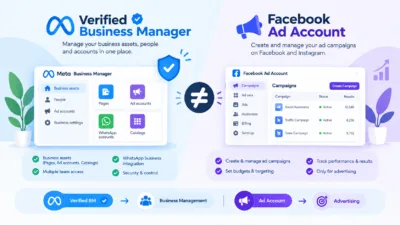
Facebook Business Manager ≠ Facebook Ad Account
A Business Manager is used to organize and manage business assets.
An Ad Account is used for advertising activities.
Therefore, an issue with an Ad Account does not automatically mean your Business Manager is unverified.
For example:
Business Manager is verified, but an ad account can still face advertising restrictions.
Likewise:
A Business Manager can be unverified while another advertising-related issue is actually causing the problem.
This distinction helps you choose the right solution instead of purchasing an unnecessary product.
What Is the Difference Between Verified BM and Facebook Ad Account?
This distinction is particularly important for customers comparing products.
| Feature | Verified BM | Facebook Ad Account |
| Business management | Yes | No |
| Business assets | Can manage relevant assets | Primarily advertising |
| Advertising | Can support business advertising workflows | Core purpose |
| Pages | Can manage relevant assets | Not the main purpose |
| WhatsApp-related use | May be relevant depending on setup | Not the same as WABA |
| Verification | Business verification context | Separate account considerations |
| Best for | Business asset management | Running advertisements |
Your actual requirements should determine which product you need.
When Does a Verified BM Make Sense?
A Verified BM can be relevant when a business needs a more established business-management setup for its Meta-related operations.
For example, your requirements may involve:
- Facebook advertising
- Multiple business assets
- WhatsApp API
- WABA
- Business-related integrations
- Multiple ad accounts
- Agency workflows
- Higher-scale digital advertising operations
The important point is that verification is a business requirement, not a guarantee of advertising performance.
A Verified BM does not guarantee:
- Ad approval
- Unlimited advertising
- Permanent account access
- No future restrictions
- Guaranteed WhatsApp approval
- Guaranteed campaign performance
Meta can still apply policies and restrictions.
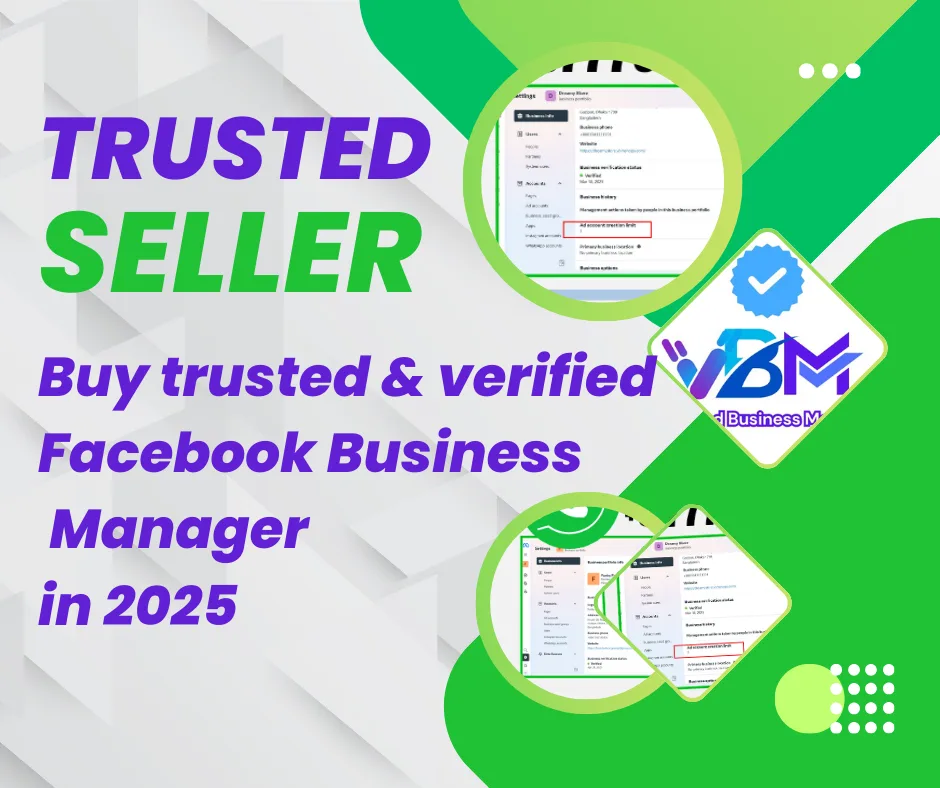
Verified BM Products Available at Verified BM Store
Verified BM Store’s current product structure is closely connected to the problems discussed above.
The store currently lists products across Verified BM, Verified Facebook Business Manager, Facebook Business Manager, Facebook Ads Account, WhatsApp API, and related categories. (Verified BM Store)
This makes the website relevant for customers who have already determined that they need a business-management solution rather than simply searching for generic Facebook accounts.
Verified BM 1
The store currently lists Buy Verified Facebook Business Manager | Verified BM 1 as one of its Verified BM products. (Verified BM Store)
This type of option can be considered by customers looking for a verified Business Manager setup for their business operations.
Before choosing it, check the actual product page for:
- Current spending limit
- Number of available ad accounts
- WhatsApp API compatibility
- Replacement terms
- Delivery method
- Country availability
- Current support terms
Product specifications can change, so customers should rely on the current product page rather than an old blog article.
Verified BM 3
The store also lists Verified BM 3 | Facebook Business Manager.
The current product information describes a verified BM with a specified advertising limit, multiple ad accounts, phone verification, and a replacement period. (Verified BM Store)
This makes it more relevant for customers who need more than a basic Business Manager setup.
However, the exact product specifications should always be confirmed before ordering.
Verified BM 5
For customers looking for a higher spending-limit option, Verified BM Store lists:
Buy Verified BM 5 | BM with $250 Spend Limit
The homepage currently presents this as one of its main Verified BM products. (Verified BM Store)
This creates a natural commercial connection between the blog topic and the site’s product range:
Verification problem → Understand requirements → Compare BM options → Choose the relevant Verified BM product
Verified BM 10
The store also lists Verified BM 10 | BM with Unlimited Spending Limit.
The current product page describes a verified BM associated with WhatsApp API and other features requiring verification, along with a stated advertising limit and multiple ad accounts. (Verified BM Store)
Because product limits and conditions can change, avoid treating the word “Unlimited” as a guarantee of unlimited advertising performance.
Always check the current product specification before purchasing.
Verified BM Unlimited
Verified BM Store also offers a product titled:
Buy Verified BM Unlimited | Facebook Business Manager Unlimited Access. (Verified BM Store)
This product targets customers searching for a higher-level Business Manager solution.
But again, “unlimited” should be understood as a product description, not a promise that Meta will remove all advertising restrictions or policy requirements.
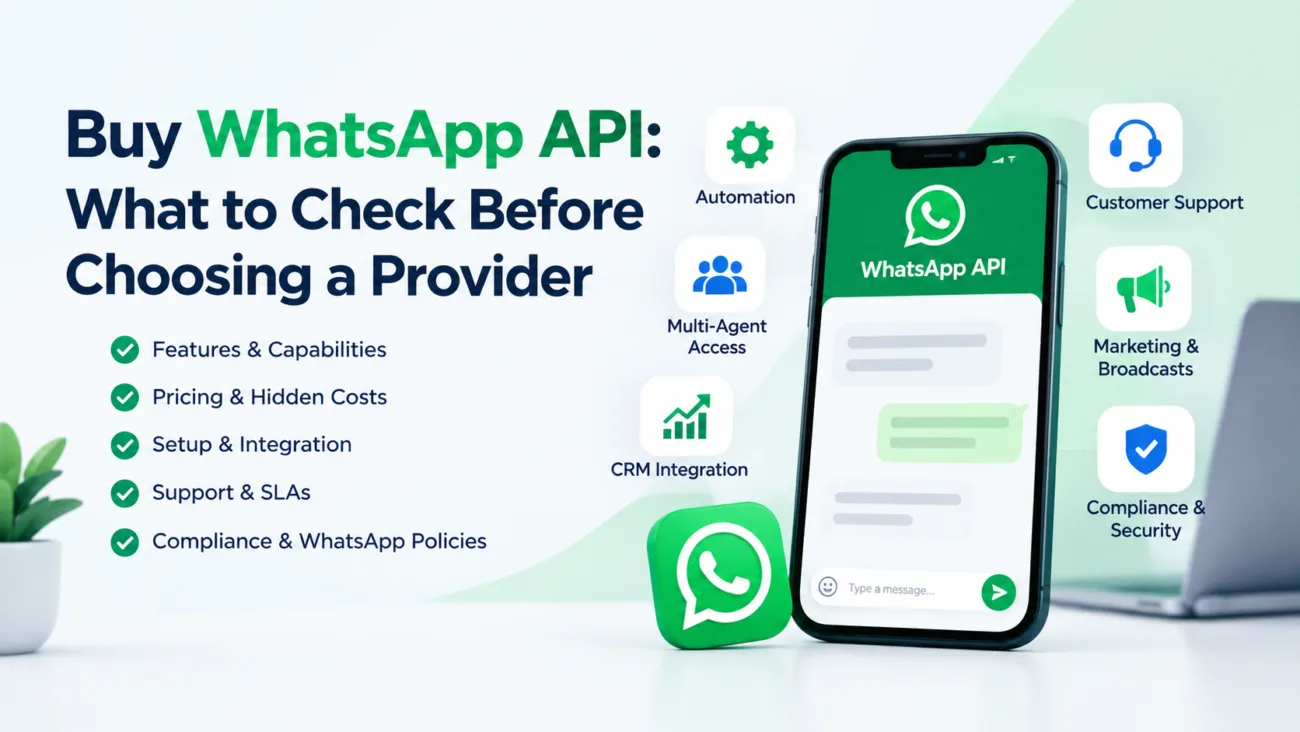
What About WhatsApp API and WABA?
This is where the topic becomes especially relevant to Verified BM Store.
The website currently lists WhatsApp API as a separate category and includes products such as:
- WhatsApp API 250 limit
- Balloon BM with WhatsApp API 1K limit
- Verified Facebook Business Manager with WhatsApp API 10K
These products are visible in the store’s current catalog. (Verified BM Store)
This means your blog should not treat WhatsApp API as an unrelated topic.
For some businesses, the reason they are researching Facebook Business Manager verification is connected to their broader Meta and WhatsApp business setup.
WhatsApp API 250 Limit
Verified BM Store currently lists:
Buy WhatsApp API 250 limit | 250 Daily Conversation Limit
This is positioned as a WhatsApp API product rather than simply a Facebook Business Manager product. (Verified BM Store)
Therefore, customers should first understand whether they need:
Verified BM → WhatsApp API → WABA
or simply:
Facebook Business Manager → Facebook Ads Account
This distinction can prevent customers from purchasing the wrong product.
Balloon BM + WhatsApp API 1K
The store also lists a Balloon BM | WhatsApp API 1K Limit product.
Its current product information connects a Verified Facebook Business Manager with WhatsApp API and a stated daily conversation limit. (Verified BM Store)
This is a strong example of why a verification-focused article can naturally lead readers toward your WhatsApp API product category.
However, customers should verify current limits and eligibility before making a decision.
Verified Facebook Business Manager + WhatsApp API 10K
The store currently lists:
Buy Verified Facebook Business Manager | WhatsApp API 10K
This is one of the clearest commercial connections between the blog topic and the website’s product range. (Verified BM Store)
A business that starts by searching:
“Why is my Facebook Business Manager not verified?”
may eventually discover that its actual requirement involves:
“I need a Business Manager setup suitable for my WhatsApp API workflow.”
That creates a natural transition from informational content to commercial investigation.
Does a Verified BM Guarantee Facebook Ad Approval?
No.
This is an important distinction your article should make.
A verified Business Manager does not mean every advertisement will automatically be approved.
Ad approval can depend on factors such as:
- Ad content
- Landing page
- Business activity
- Advertising policies
- Account history
- Payment information
- Targeting
- Product or service category
Therefore, buying a Verified BM should not be presented as a method for bypassing Meta’s advertising policies.
The better approach is to use an appropriate business setup and maintain policy-compliant advertising practices.
Does a Verified BM Remove Account Restrictions?
Not necessarily.
Business verification and advertising restrictions are different issues.
For example:
Problem A: Business verification is incomplete.
Problem B: Ad account is restricted.
Problem C: Advertisement is rejected.
Problem D: WhatsApp-related feature is unavailable.
These problems may require different solutions.
This is why customers should diagnose the problem before choosing a product.
Verified BM vs Unverified BM
The store currently offers both verified and unverified Business Manager-related products. (Verified BM Store)
This creates an important buying decision.
| Requirement | Unverified BM | Verified BM |
| Basic testing | May be suitable depending on product | May be unnecessary |
| Business verification needs | Limited | More relevant |
| WhatsApp-related requirements | Depends on setup | May be more relevant |
| Advertising | Depends on account | Depends on account |
| Business operations | Basic requirements | More advanced requirements |
| Budget | Generally lower | Generally higher |
The right choice depends on the customer’s actual use case.
If someone only needs a basic setup for testing, purchasing a higher-level product may not be necessary.
If the business needs verified business functionality or WhatsApp-related capabilities, a Verified BM may be more relevant.
How to Choose the Right Verified BM Product
Before purchasing, ask these questions:
1. What will I use the BM for?
Is your goal:
- Facebook advertising?
- Multiple ad accounts?
- WhatsApp API?
- WABA?
- Business asset management?
- Agency work?
2. What spending limit do I actually need?
Do not automatically choose the highest-limit option.
Your advertising requirements should determine the appropriate product.
3. Do I need WhatsApp API?
If yes, look specifically at products that mention WhatsApp API compatibility.
4. How many ad accounts do I need?
Different BM products may have different configurations.
5. What replacement terms are included?
Check:
- Replacement period
- Eligibility
- Support
- Product conditions
6. What countries are supported?
The current product listings mention different country availability depending on the product. (Verified BM Store)
Always confirm availability before ordering.
What Should You Ask a Verified BM Provider?
Before purchasing a Verified Business Manager, ask the provider:
- Is this a Verified BM or unverified BM?
- What is the current spending limit?
- How many ad accounts are included?
- Is WhatsApp API supported?
- Is WABA compatibility included where applicable?
- What is the replacement period?
- What support is provided after delivery?
- What country or business configuration applies?
- What exactly is included in the product?
- Are the current specifications shown on the product page?
These questions help you compare products based on actual requirements rather than marketing claims.
Why Verified BM Store Fits This Search Intent
The purpose of this article is not simply to tell readers that they should buy a Verified BM.
Instead, the content should help them answer:
“What is actually wrong with my Facebook Business Manager, and what type of solution do I need?”
That approach matches the current structure of Verified BM Store.
The website has separate categories for:
- Verified BM
- Verified Facebook Business Manager
- Facebook Business Manager
- Facebook Ads Account
- WhatsApp API
- Facebook Page
- Facebook Account
- Facebook Reinstate Profile
- Social Media Advertising
- Digital Marketing Tools (Verified BM Store)
Therefore, readers can move from the educational article to the most relevant category instead of being pushed toward one product regardless of their problem.
When You Should Not Buy a Verified BM
A Verified BM may not be the right solution if your actual problem is unrelated to business verification.
For example, if:
- Your advertisement violates an advertising policy.
- Your landing page has compliance problems.
- Your payment method is failing.
- Your Facebook Page has a separate restriction.
- Your ad account has a specific enforcement issue.
- You simply need a basic testing environment.
In these situations, first identify the underlying issue.
Buying another Business Manager does not automatically solve every Meta account problem.
A Simple Decision Framework
Use this framework before choosing a product:
1. Need basic Business Manager functionality?
Explore the Facebook Business Manager category.
2. Need verified business-management functionality?
Explore Verified BM or Verified Facebook Business Manager.
3. Need advertising capability?
Review the Facebook Ads Account category.
4. Need WhatsApp business messaging?
Review WhatsApp API and relevant WABA-related products.
5. Need both BM and WhatsApp API?
Compare products that specifically combine those requirements.
6. Need a different Facebook asset?
Check the relevant Facebook Page, Facebook Account, or Facebook Reinstate Profile category.
This structure matches the current product organization on Verified BM Store. (Verified BM Store)
Frequently Asked Questions
1. What is Facebook Business Manager?
Facebook Business Manager is a business-management environment used to organize and manage business assets and activities connected to Meta’s ecosystem.
2. Why is my Facebook Business Manager not verified?
Possible reasons include business-information inconsistencies, document issues, permissions, eligibility, or an ongoing review.
3. Can an unverified Business Manager run Facebook ads?
An unverified Business Manager can still have advertising capabilities depending on the account and available features. Verification and ad-account status are separate considerations.
4. Does Verified BM guarantee ad approval?
No. A verified business setup does not guarantee that every advertisement will be approved.
5. Is Verified BM the same as a Facebook Ad Account?
No. A Business Manager and an Ad Account serve different purposes.
6. Can Verified BM be used with WhatsApp API?
Some Verified BM products are specifically presented with WhatsApp API compatibility. Always verify the current product specifications before ordering. (Verified BM Store)
7. What is WABA?
WABA generally refers to a WhatsApp Business Account used in the WhatsApp Business Platform ecosystem.
8. Which Verified BM should I choose?
Choose based on your actual requirement, such as advertising, number of ad accounts, spending needs, WhatsApp API requirements, and support or replacement terms.
A Facebook Business Manager not verified message does not automatically mean that you need to replace your entire setup.
First diagnose the problem.
Check your business information, documentation, permissions, website information, and the specific feature you are trying to access.
If your business genuinely needs a verified business-management setup, then compare the available Verified BM and Verified Facebook Business Manager options based on your actual requirements.
For businesses working with advertising and WhatsApp, it is also important to distinguish between Verified BM, Facebook Ads Account, WhatsApp API, and WABA.
Verified BM Store currently offers products across these categories, including Verified BM packages, Facebook Business Manager options, Facebook Ads Account products, and WhatsApp API solutions. (Verified BM Store)
The goal should be simple:
Identify your requirement → choose the appropriate product → review the current specifications → confirm the terms → then make your decision.