Step-by-Step Guide to Scaling Your Business Using a Verified Facebook Business Manager in 2025

Introduction
Verified Facebook Business Manager. Facebook is still considered to be one of the strongest tools that businesses can use in the digital age to gain audience reach. Scheduling of numerous ads, campaigns and pages however needs a confirmed Facebook Business Manager (BM) account. An authenticated BM account offers credibility and also allows increased spending limits, superior advertisements and facilitates seamless operations. In this guide, we are going to discuss step-by-step tips to grow your business with the help of a proven Facebook Business Manager account in 2025.
Before diving into strategies, it’s essential to understand why verification matters.
Verified Facebook Business Manager
Why You Need a Verified Facebook Business Manager
a. Enhanced Credibility
Verified BM accounts signal authenticity to Facebook, clients, and customers. This reduces the risk of account suspension.
b. Higher Ad Spend Limits
Verification unlocks higher daily and monthly ad budgets, allowing businesses to scale faster.
c. Access to Advanced Features
-
Multiple ad accounts
-
WhatsApp API integration
-
Custom audiences and lookalike audiences
d. Smooth Business Operations
Manage multiple pages, employees, and clients from a single dashboard, keeping assets secure.
Verification is extra even when you already have a BM account.
Step 1: Build Your Business Manager.
visit Facebook Business Manager.
Setting Up Your Verified Facebook Business Manager
Verification still has extra steps even though you already have a BM account.
Step 1: Build Your Business Manager.
- Enter Facebook business manager.
- Click Create Account and enter your business details.
- Connect with your email in business and authenticate.
Step 2: Add Pages and Ad Accounts
- Navigate to Business Settings → Accounts.
- Add or create Pages.
- Materialize or have access to ad accounts.
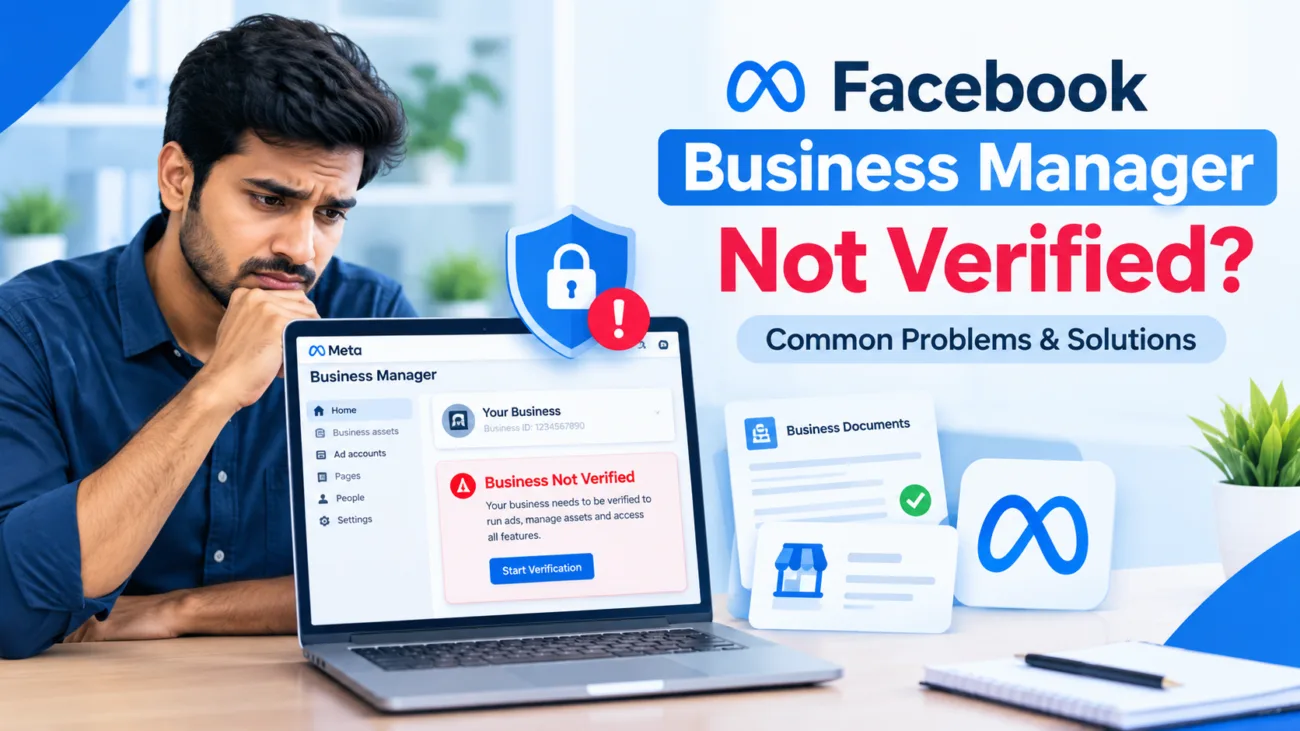
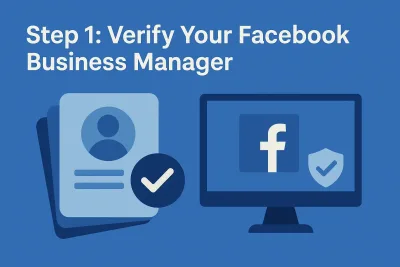
Step 3: Verification Process
- Under Security Center, please give a visit to Business Verification.
- Provide business documents:
- Business license
- Tax ID or VAT
- Utility bills
3. Wait for approval (usually 1–3 days).
Trick: You need to keep your paperwork in line with the business data to prevent procrastination.
By combining WhatsApp with BM, businesses are able to communicate directly to customers.
Step 1: Apply for WhatsApp Business API
- Go to Meta for Developers
- Enter your phone and business information.
Step 2: Connect WhatsApp to BM
- In BM, in Business Settings, select WhatsApp Accounts and Add Account.
- Enter your WhatsApp Business API number.
- Check your code with the number.
Step 3: Start Campaigns
Use WhatsApp to:
- Send promotional messages
- Engage leads
- Provide customer support
Creating High-Converting Facebook Ads
A scaling business needs good advertisements.
a. Audience Research
- Find out who your best customers are with Audience Insights.
- Segment audiences by age, location, interests, and behavior.
b. Ad Types
- Traffic Ads: Drive visitors to your website.
- Conversion Ads: Generate sales or leads.
- Engagement Ads: Boost posts or page likes.
- Retargeting Ads: target those that visited your site, but did not make the purchase.
c. Ad Design
- Use high-quality images or videos.
- Add clear call-to-actions (CTAs).
- Test multiple creatives for performance.
d. Campaign Budget Optimization
- It should start with a small budget and expand with performance.
- AM Allocate budgets in BM to most active ad, automatically using Enable Campaign Budget Optimization (CBO).
Verified Facebook Business Manager
Using Advanced Features in Verified BM (Verified Facebook Business Manager)
verified BM accounts activate some scaling capabilities:
a. Custom Audiences
Target users based on:
- Website traffic (via Facebook Pixel)
- App activity
- Customer lists
b. Lookalike Audiences
- Identify new customers like your best existing customers in order to generate better ROI.
c. Multi-Account Management
- Multi-page and multi-ad account management without asset overlap.
d. Employee Roles & Permissions
Assign team members roles like:
- Admin
- Advertiser
- Analyst
This provides control and access security.
Monitoring & Optimizing Campaigns
Scaling does not only involve drawing up advertisements, but it might as well entail optimization.
a. Track Key Metrics
- Click-Through Rate (CTR)
- Conversion Rate
- Cost Per Conversion
- Return on Ad Spend (ROAS)
b. A/B Testing
Test different:
- Headlines
- Creatives
- Audiences
- Landing pages
c. Budget Reallocation
Accelerate budgets of successful campaigns and freeze unsuccessful campaigns.
d. Retargeting Strategies
target users using pixel data that:
- Visited product pages
- Added to cart and did not buy.
- Interacted with your page
Verified Facebook Business Manager
Avoiding Common Mistakes
Facebook BM is tough to scale without falling into the following traps:
- Placing Advertisements in Unverified mode – Restricted.
- Not focusing on Audience Segmentation – Wastes ad bucks.
- Not Using Meta Pixel- (Limits tracking and retargeting).
- Describing Campaigns in too much detail- From complexity to being simple.
- Overlooking Compliance- Adhere to the Facebook advertising policies at all times.
Real-Life Case Study
Business: ABC E-commerce Store
Goal: Increase sales during holiday season
Strategy:
- Verified BM account
- Retargeting with lookalike audiences.
- WhatsApp integration for customer engagement
Results:
- 35% increase in sales in 30 days
- 25 percent ad spend cut through optimization.
- Better customer soothing through WhatsApp follow-ups.
Long-Term Scaling Strategies
a. Expand Internationally
- Other countries that use location-based targeting via BM.
b. Automate Marketing
- Use chatbots for customer support on WhatsApp.
- Schedule ad campaigns in advance.
c. Collaborate With Influencers
- Combine influencer marketing and Facebook Ads in order to increase brand recognition.
d. Regularly Audit Accounts
- Make sure every page, ad account, asset, etc. are compliant and all working best.
Tools to Complement Facebook Business Manager
- Canva – For ad creatives
- Hootsuite belongs to the category of apps through which one can arrange the time of sharing online content.
- AdEspresso – Campaign optimization
- Google Analytics – Track conversions
- WhatsApp Business API – Customer communication
Conclusion (Verified Facebook Business Manager)
Expanding your company through a proven description of Facebook Business Manager is an enterprise concept in 2025. Verified BM accounts can unlock advanced features, WhatsApp integration and high conversion ads are only a few to mention and could provide a strong platform to grow. You can increase revenue, reach the appropriate audience and maintain business credibility using statistics, by conducting a campaign in stages with data gathering using analytics and analysis.
And last but not least: testing and revision/new strategy, the new strategy is a part of the long-term success. Verified Facebook Business Manager
Tags
-
Facebook Business Manager
-
Verified Business Manager
-
Facebook Ads 2025
-
Scaling Business with Facebook Ads
-
Business Manager Guide
-
WhatsApp API Integration
-
Facebook Ads Optimization
-
How to Verify Facebook BM
-
Digital Marketing Tools
-
Advanced Facebook Ads Strategy
-
Facebook Advertising Tips
-
Business Scaling Strategies
-
Meta Business Suite
-
Online Marketing 2025
-
Facebook Ads Case Study
- Verified Facebook Business Manager